Common Connection Errors
If your connection request fails, the platform shows you the exact reason for the rejection. Here are the most common causes and what you can do about them.
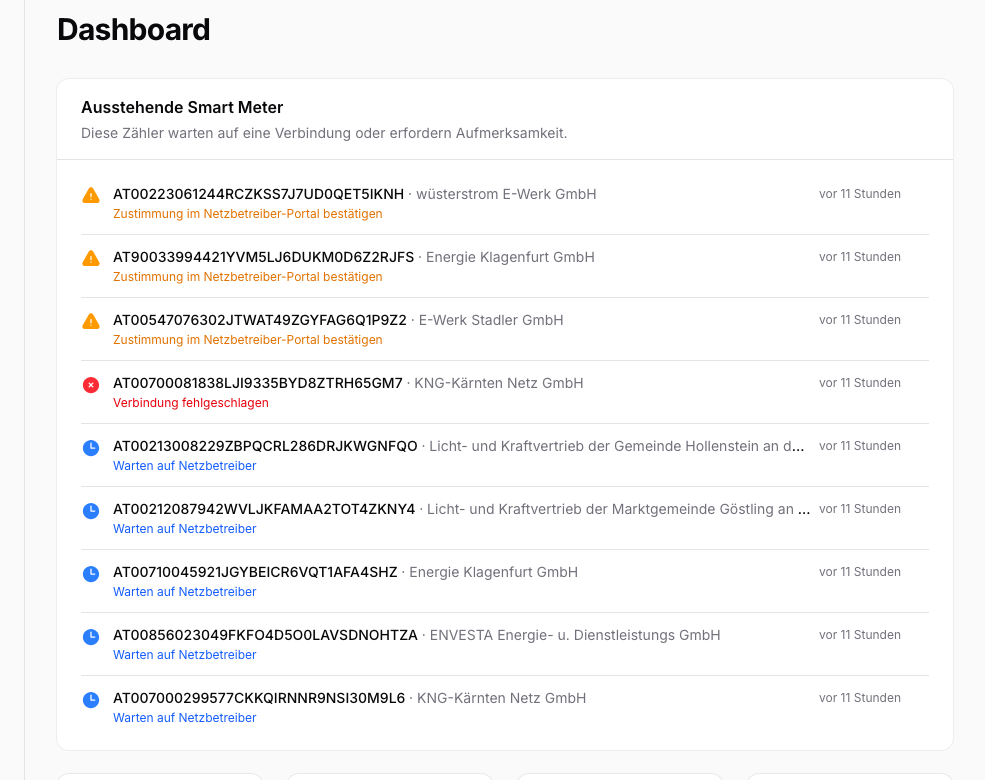
Common rejection reasons
Zählpunkt not found
Reason: The grid operator cannot find the Zählpunkt number you entered in their system.
What you can do:
- Check the Zählpunkt number on your electricity bill. It is exactly 33 characters long and starts with "AT".
- Make sure you have not included any spaces or special characters.
- If you are unsure, you can also find the number in your grid operator's customer portal.
No Smart Meter installed
Reason: No Smart Meter is installed at this Zählpunkt, or the device has not yet been activated for digital data exchange.
What you can do:
- Contact your grid operator and ask whether a Smart Meter is installed.
- If so, request activation for digital data exchange.
Consent not confirmed within 30 business days
Reason: The deadline for confirming consent in the grid operator's portal has passed.
What you can do:
- Restart the connection process by clicking "Try again".
- This time, confirm consent in your grid operator's portal promptly.
No grid operator on file
Reason: The first eight characters of a Zählpunkt number identify the grid area. In most cases that is also the grid operator we exchange data with. In rare cases it differs, for example when a grid area has been taken over by a larger grid operator. As long as the mapping is missing on our side, we do not send the request.
What you can do:
- Check the Zählpunkt number for typos.
- If the number is correct, the mapping is missing on our side. Send us the number, and we will add it.
Try again
After an error, you can retry the connection at any time. Click "Try again" on the Smart Meter detail page. The platform will then send a new request to the grid operator.
If the grid area mapping is missing, "Try again" will not help. Contact us in that case.
