The Test Meter
With a test meter you can verify your integrations with energiedaten.at without needing a real Zählpunkt number or going through the consent process.
What Is a Test Meter?
A test meter is a simulated Smart Meter with realistic synthetic data. It behaves in the app just like a real meter — with charts, analyses, and integrations — but uses no real readings. This lets you test your data pipeline end-to-end.
When Is It Useful?
- You are testing an integration (webhook, MQTT, CSV, API) and need a data stream.
- You want to verify your integration before connecting real meters through the consent process.
- You are evaluating the platform on a Light, Plus, or Pro plan.
Creating a Test Meter
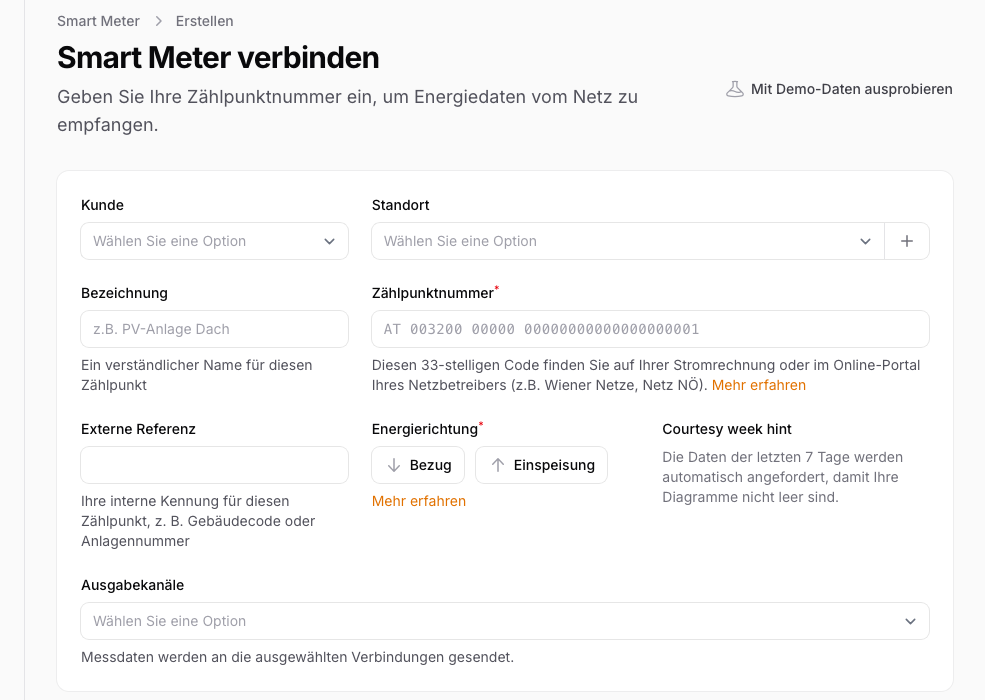
Click "Connect Smart Meter" and select "Add integration test meter". You will be prompted to choose a building type — this influences the consumption pattern of the synthetic data.
Building Type and Data Pattern
The building type you choose determines what the synthetic data looks like: an office building has different load profiles than a single-family home. Choose the type that most closely matches your real use case to get realistic results.
Notes
Meter limit: Test meters do not count towards your meter quota. While your quota for real meters is exhausted, however, the "Add integration test meter" option is hidden.
Data is marked as test: In the app, test data is clearly labelled as such so it cannot be confused with real readings.
Switching to a real meter: Delete the test meter and connect your real meter via "Connect Smart Meter". Direct conversion is not possible.
